
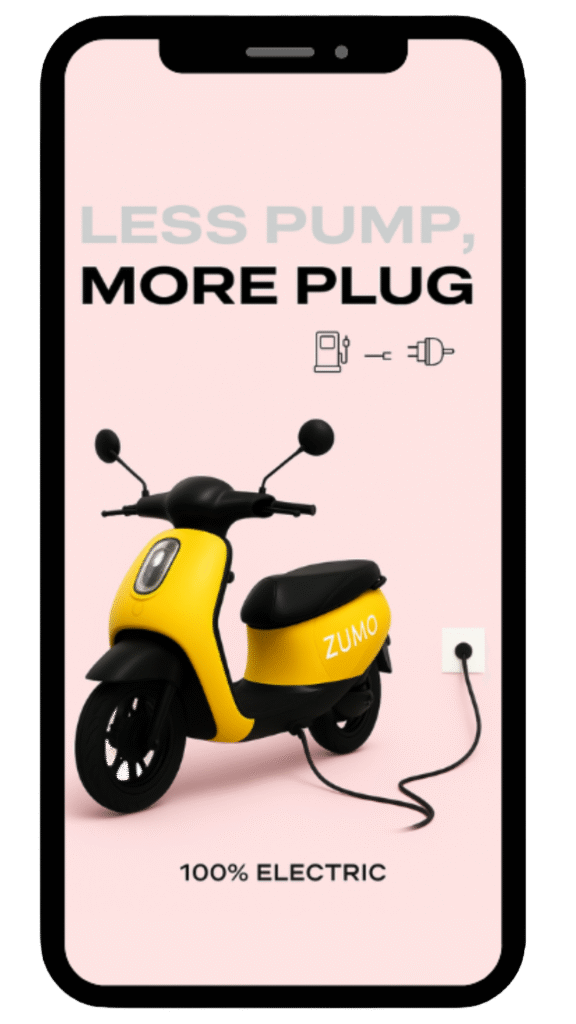
How to ZUMO?
📱 Book Your Ride on the Zumo App
Open the Zumo App and choose your e-bike. Select your pickup point and confirm your booking in seconds.
📍 Choose Your Zumo
Browse available Zumo bikes around you or select a nearby Zumo Zone right inside the app.
🔑 Scan to Unlock
After booking, the app will generate a unique QR code. Just scan the QR on the bike to unlock it instantly.
🛡️ Ride Smart
Enjoy a smooth, battery-friendly Zumo ride. Follow campus and traffic rules for a safe, hassle-free journey.
✅ End Your Ride
Park your bike at any Zumo Zone, lock it, and tap ‘End Ride’ in the app to complete your trip.
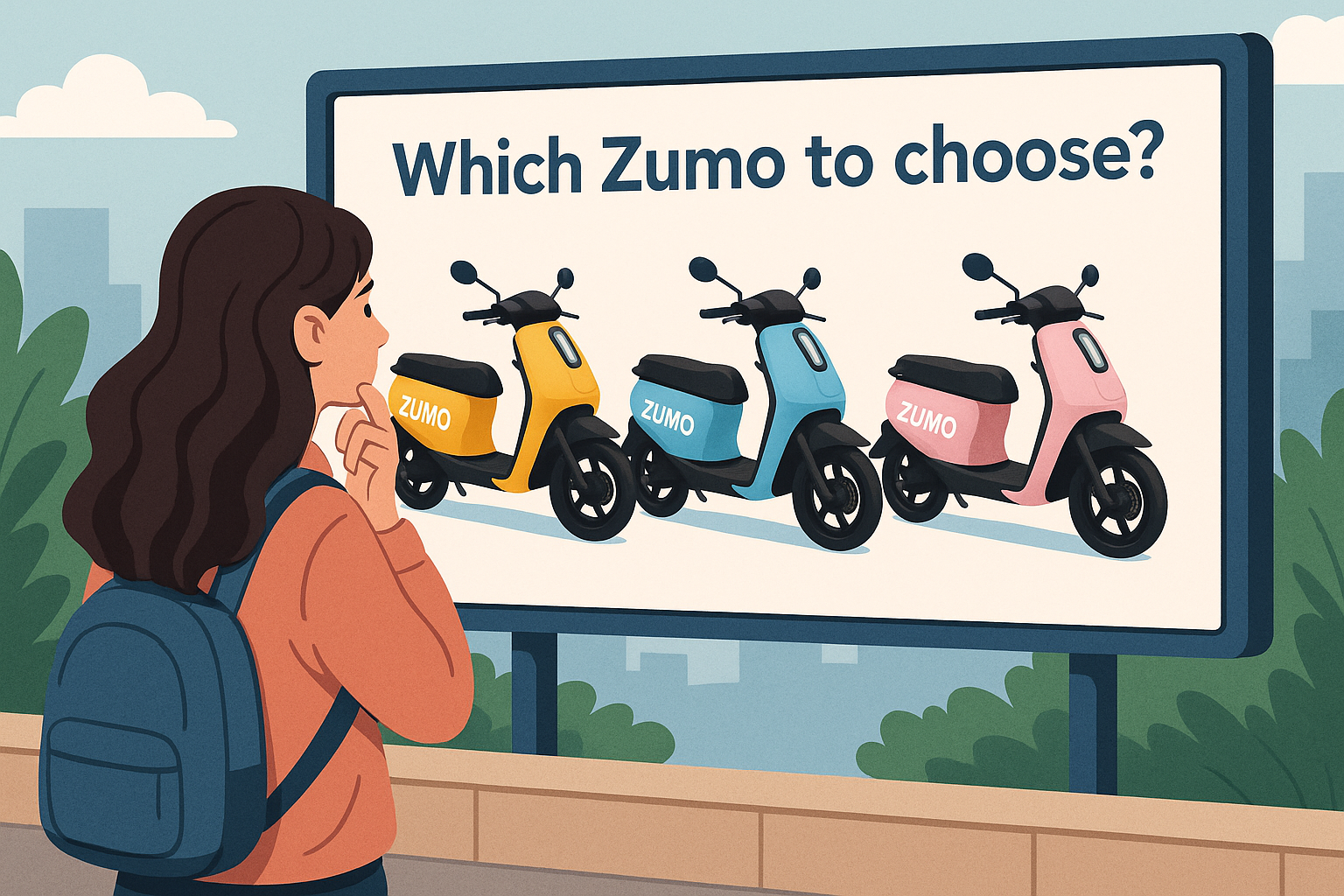
E-Bikes Available!
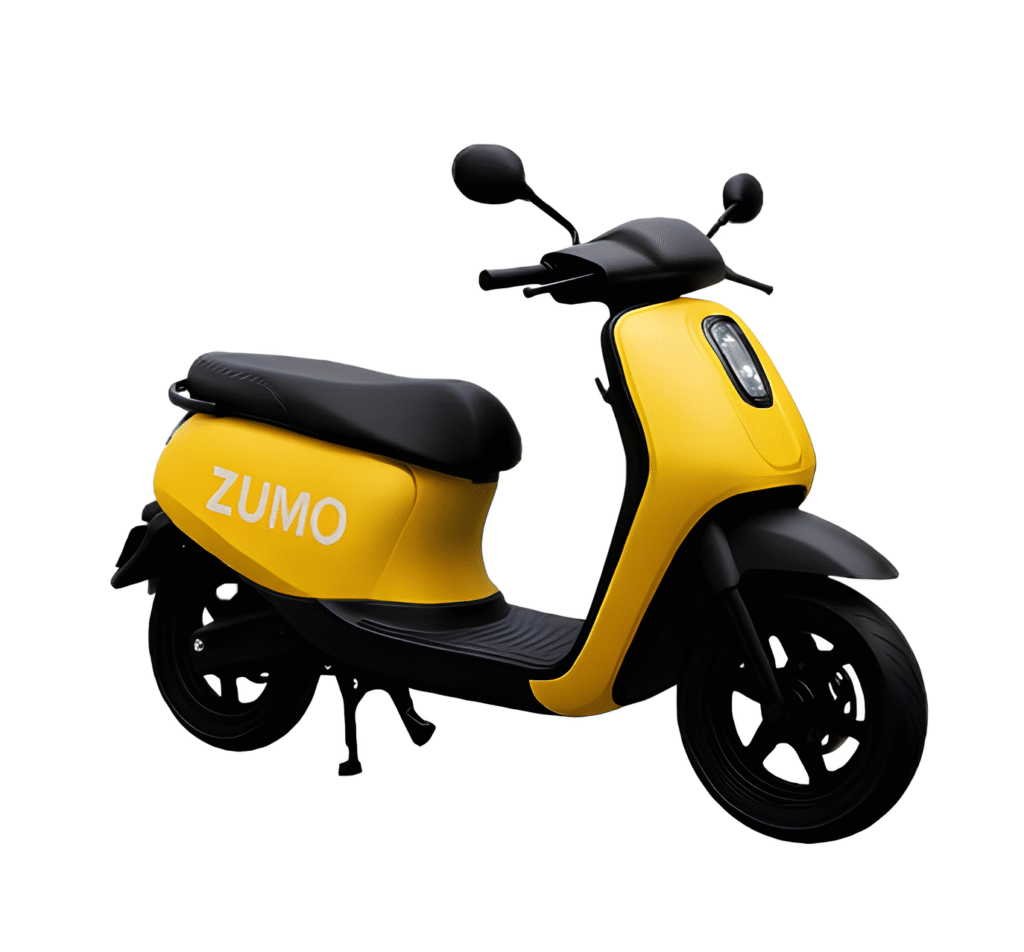
Zumo City Glide
Starting from ₹80 for 1hour.
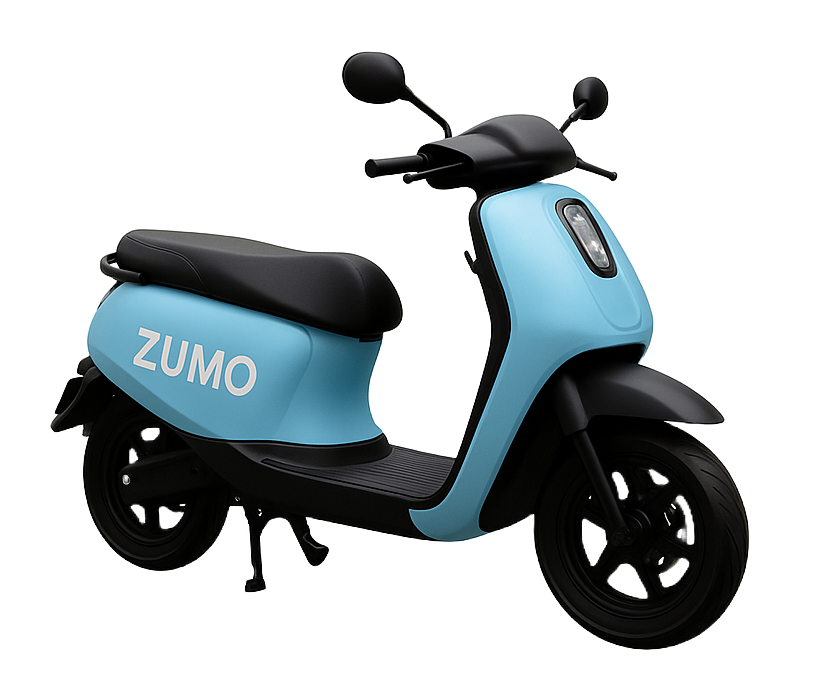
Zumo Mountain Pro
Starting from ₹80 for 1hour.
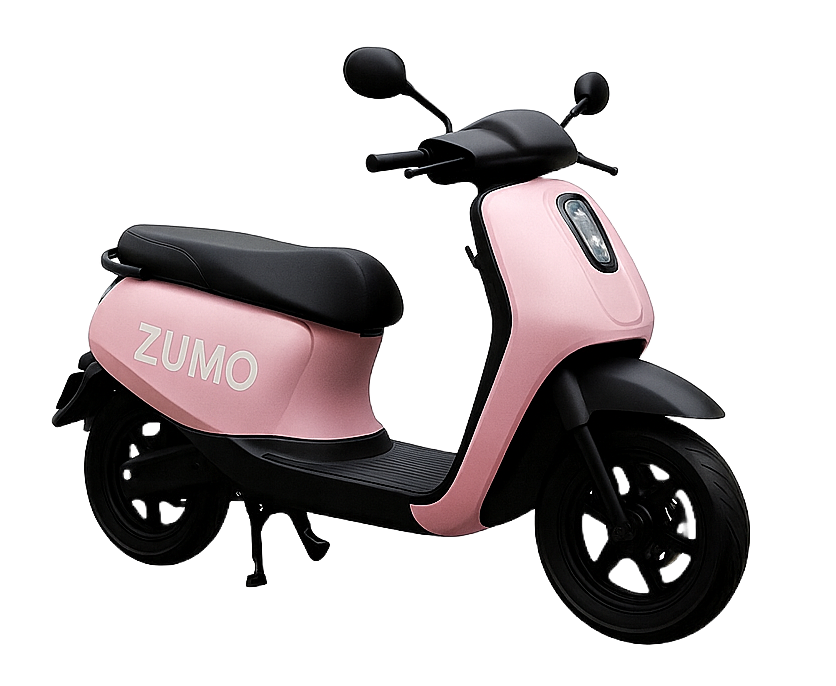
Zumo Eco Ride
Starting from ₹80 for 1hour.
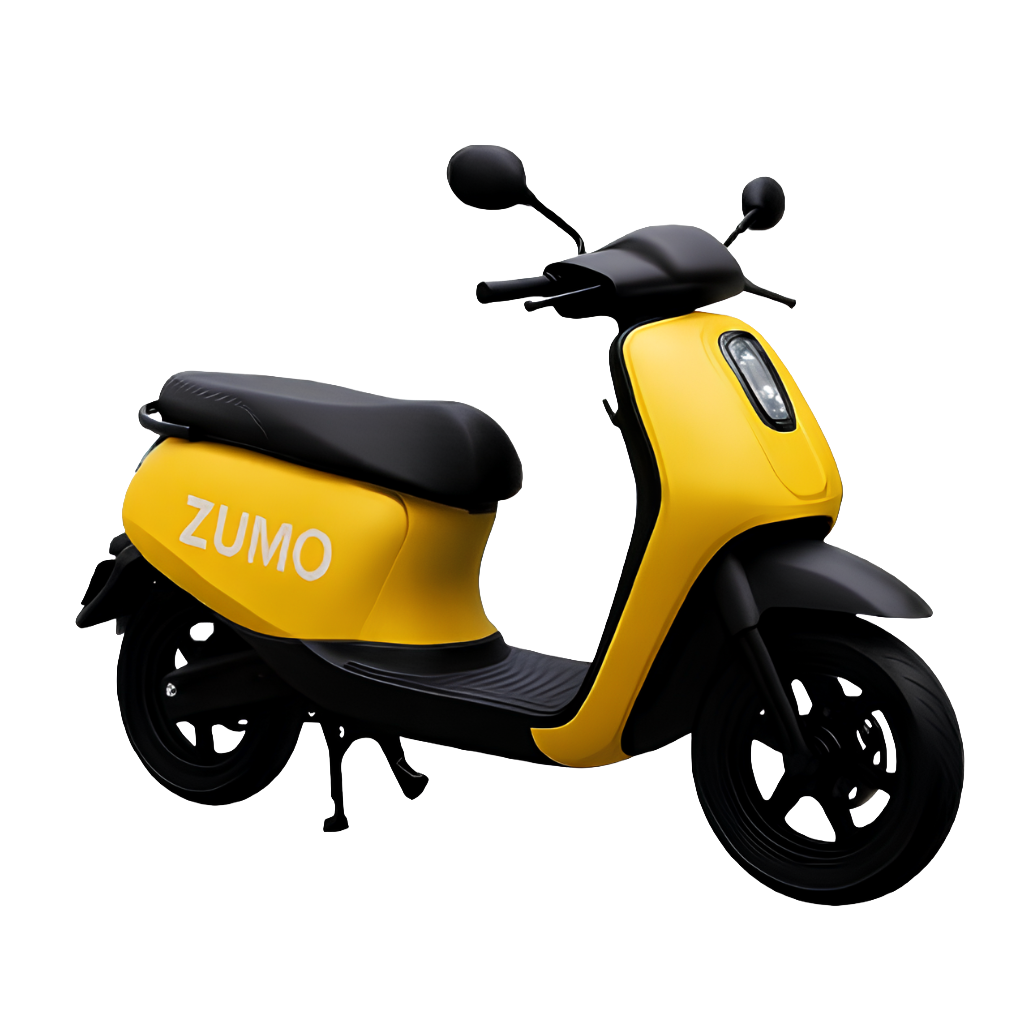
Zumo City Glide – “The Coolest Way Around Campus”
Forget long walks between classes — the Zumo City Glide makes getting around campus fun and effortless. With its smooth ride and trendy design, it’s the scooter that turns every shortcut into an experience.
🚦 Perfect for quick dashes between classes.
Zumo Mountain Pro – “For the Ones Who Carry More”
Got heavy books? Lab gear? Or maybe you just love speed? The Zumo Mountain Pro is built for students who need extra strength on their rides. Sturdy, reliable, and powerful — it’s like the senior of all scooters on campus.
💪 Strong build for carrying extra bags or books.
Zumo Eco Ride – “The Smart, Eco-Friendly Choice”
Campus-friendly and planet-friendly, the Zumo Eco Ride is perfect for students who care about sustainability. Light, efficient, and easy to handle, it keeps your rides eco-clean while keeping your style sharp.
🎓 The eco-smart choice for the next generation.
About Us
Zumo is designed especially for college students, making daily commuting inside the campus and nearby places simple, quick and eco-friendly. With its sleek design and electric power, it ensures smooth rides that save time, reduce effort, and bring convenience to everyday student life.